Live map focus
Biome-first
Inspect the world visually before you commit to a route or base location.

ChunkLoader
Minecraft seed map explorer
ChunkLoader is a free online Minecraft seed map generator built for Java and Bedrock players who want to inspect biomes, structures, and coordinates in shareable maps with no download. Paste a seed, open the map, and scout the world in your browser before you load into the game.
Live map focus
Biome-first
Inspect the world visually before you commit to a route or base location.
Editions
Java + Bedrock
Move between editions and keep the same exploration workflow.
Map tools
Markers + overlays
Structures, coordinates, highlight filters, and configurable map details.
Dimensions
3 worlds
Overworld, Nether, and The End all accessible from the same seed.
Render speed
Instant
No download needed. Open the browser and the map is live in seconds.
Map preview
Interactive seed control deck
Seed
-4653970845219756904

Version
Java 1.21.5
Finder
Seed + biome
Overlays
Markers + grid
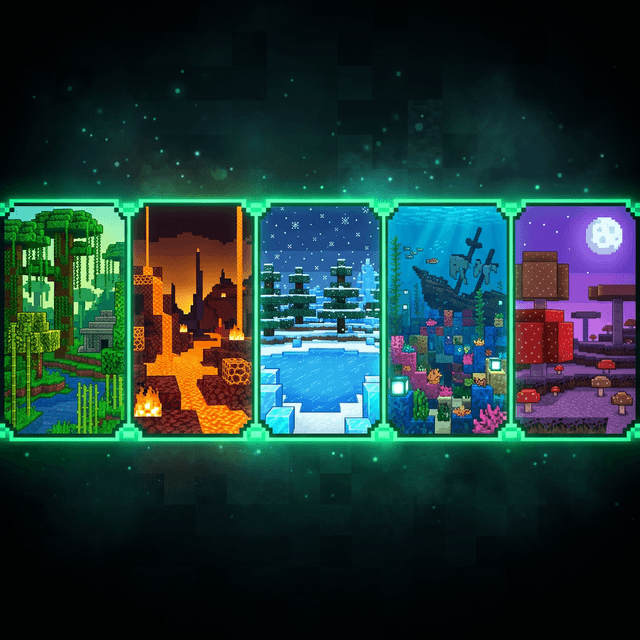
12 supported biomes, all rendered in real-time
Features
ChunkLoader puts the main Minecraft seed map tools in one browser tab so you can read a world quickly without extra setup.
Render the world around a seed instantly and inspect biome color fields, hover coordinates, and terrain context without leaving the browser.
Switch between Java and Bedrock releases, compare dimensions, and keep the map aligned with the version rules you actually care about.
Highlight biomes, filter structures, turn on grid tools, and refine what the map shows instead of working with a flat screenshot.
Jump between the Overworld, Nether, and The End without losing your seed context. Each dimension renders its own biome layout instantly.
Copy a URL that preserves the exact seed, version, overlay state, and map position. Send a link and your friend sees the exact same world view.
No download, no account, no install. Paste any Minecraft seed into the browser and explore the world map within seconds.
Workflow
Start from any Minecraft seed, whether it is a word, phrase, or number. Lock the edition, version, and dimension you want to inspect.
Turn on overlays, markers, grid tools, and biome highlighting while the world stays visible. Tune everything without losing the visual context.
Use the map to compare spawn areas, locate structures, and share the exact view with your team. No guesswork, no loading into the wrong world.
Why it feels better
Large visual anchors, clear version context, controlled side settings, and a map that stays central instead of being buried behind disconnected menus.

Interaction mode
Inspect while editing
Map tools stay useful only when you can see the result while changing them.
Search intent
Useful before the first click
The landing page explains what the tool does before you open the map view.
FAQ
Everything you need to know about ChunkLoader and how it works.
Start exploring
ChunkLoader helps you check biomes, structures, and coordinates before you commit to a world, then share the same map view with anyone else on your seed.